TikTok Song Finder
Use MelodySeek as your free TikTok song finder and find a song now!
There’s no app to install or download, and no Shazam required. All you do is paste a link and get the track name in seconds. Once you’re done, you can listen to the full song on YouTube or Spotify, and save it directly to your playlist.
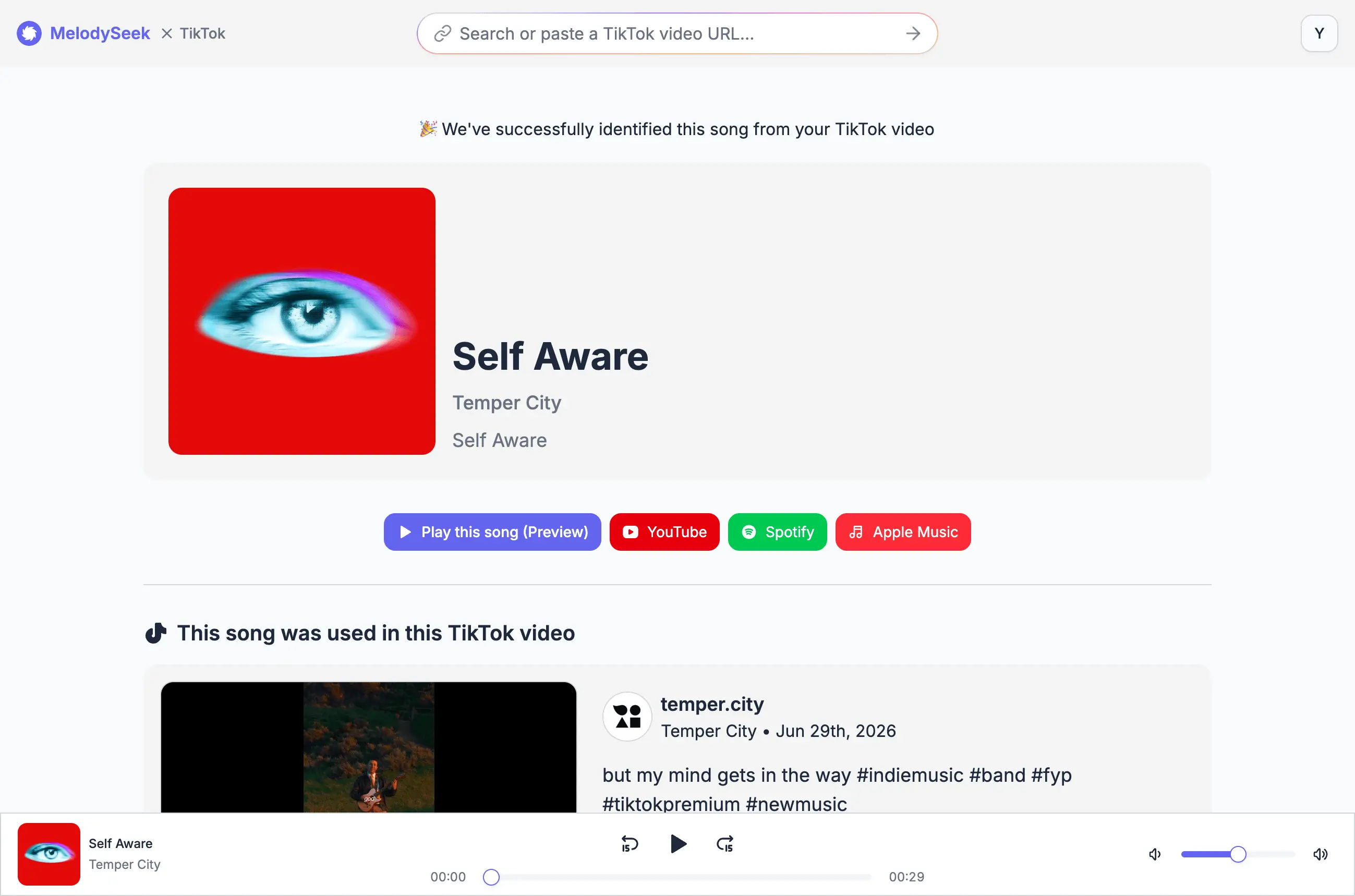
Paste a TikTok link and find the song title
Sometimes you might hear a song you like in a TikTok video, but you want to know the song name and are not sure how to find it.
Or perhaps you know one way to identify it, but you cannot use microphone recognition because you are in public.
MelodySeek lets you identify the music in the video using only the TikTok link.
There is no need to scroll through hundreds of comments hoping someone already asked, "What's this song?"
Simply paste the URL, and MelodySeek finds it in seconds.
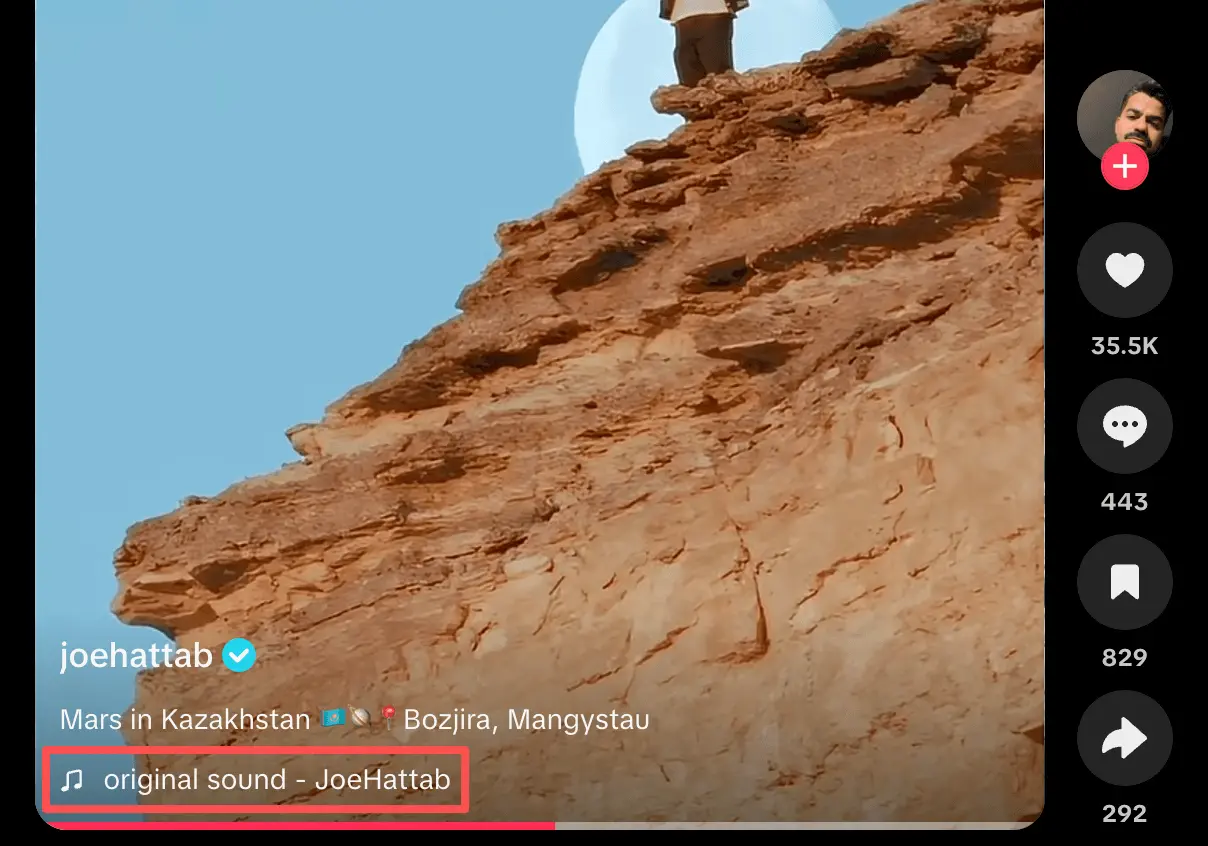
Works with Videos Labeled "Original Sound"
A lot of TikTok videos use audio labeled as "Original Sound." In many cases, that just means TikTok does not show the real song information, so it is hard to tell what track is being used.
MelodySeek can still identify the music and show the song title, artist, and album. It also works with videos that are only available in certain regions.
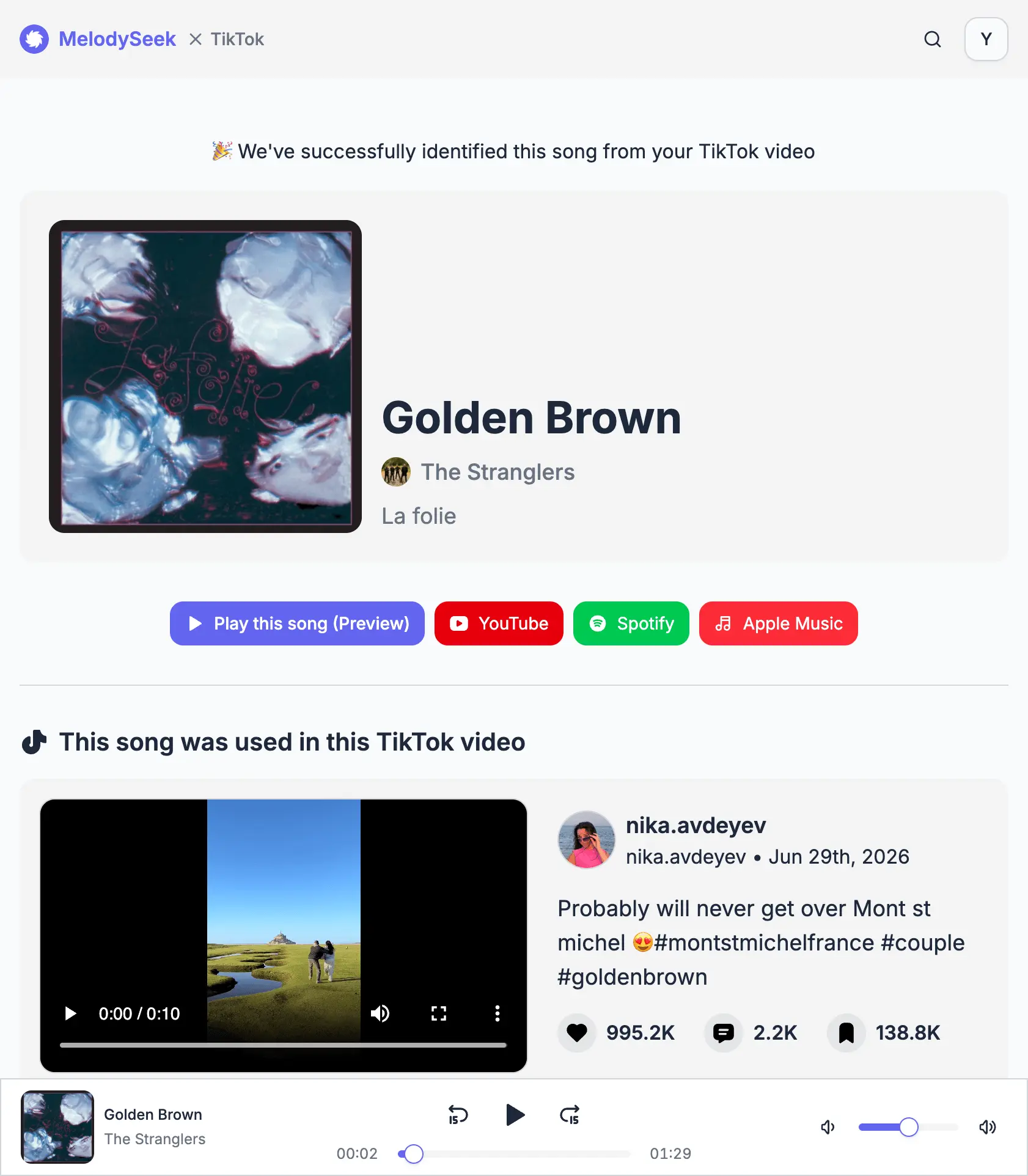
Traces Remixes and Covers Back to the Original Song
TikTok often makes edited versions of songs more popular than the original track. You may recognize a remix or cover, but still have no idea what the original song is or where to find it.
Sometimes, you just prefer the original version.
With MelodySeek, you can paste in a link and get the song name in a few seconds. It also shows the original song details, and if the audio is a remix, you can usually tell from the title.
Identify Songs in Mixed Audio
Sometimes the background music is covered by talking, or the song only appears in one short part of the video. In cases like this, recognition is harder and the result is often wrong.
Our AI is built to work with this kind of audio. It can identify songs more accurately even when the music is mixed with speech and difficult to separate.
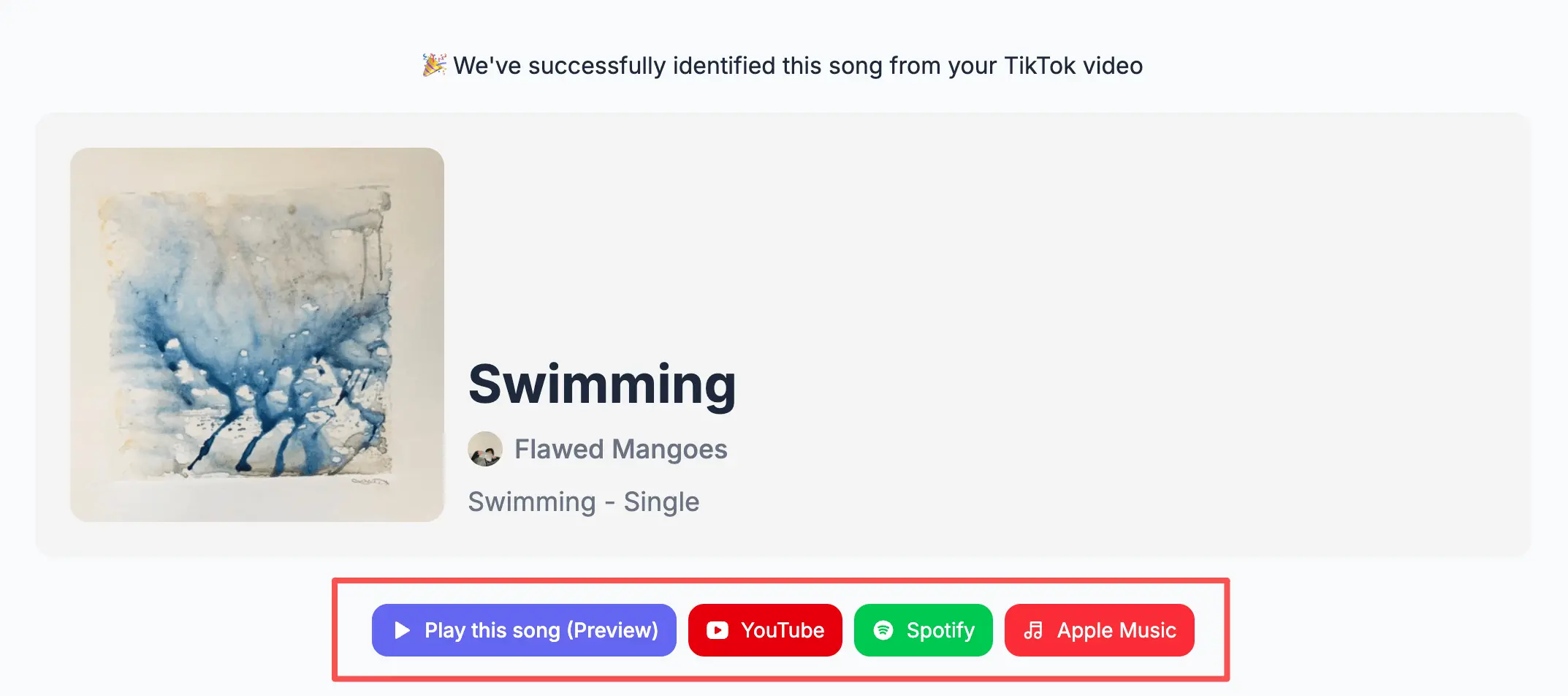
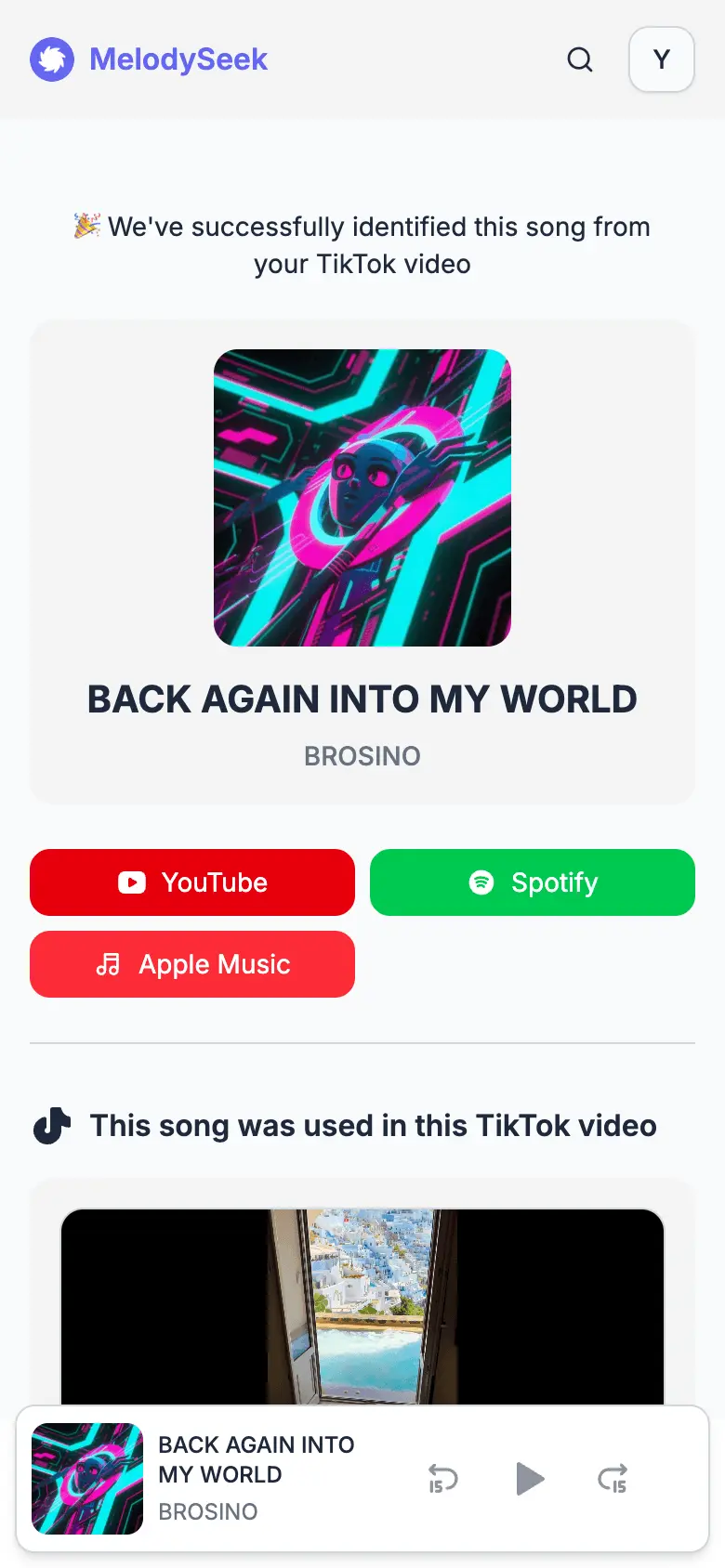
It also shows the full song details, including the title, artist, and album. You can open the song on YouTube, Spotify, or Apple Music, so you know where to listen or buy it.
Find Songs on Any Device
Everything works in your browser, so there’s nothing to download or install. You can use it on your desktop, phone, or tablet, and the experience stays the same across devices.
You can also search directly in MelodySeek, so you do not need to open the TikTok app.
If you want to save a song to a playlist, just click the Listen on YouTube or Spotify button. You’ll be taken to the selected platform, where you can listen to the full song and add it to your playlist.
Find Your Song Now
Paste a TikTok link and get the song name, artist, and streaming links in seconds.