Find Music from Any Instagram Video
Find music from any Instagram video instantly and for free with MelodySeek. Get full details like song name, artist, and album for any track.
The whole process takes just a few seconds. There's no signup required, and all you need is an Instagram Reel link to get started.
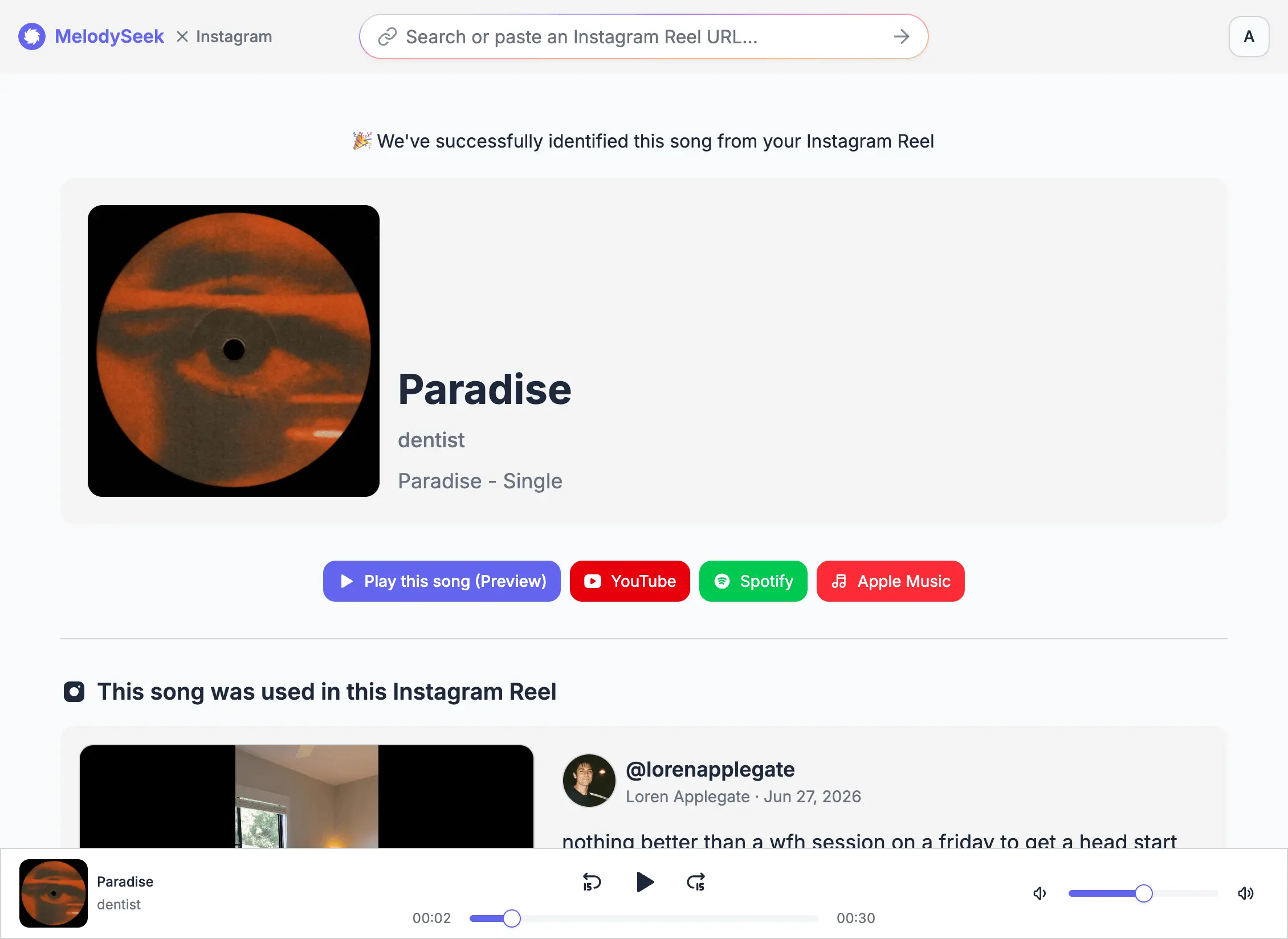
Find the Real Song Behind an Instagram Reel
Find the real song behind an Instagram video. You may find a video where the audio is labeled as “Original audio” with no song information.
Or perhaps you only have a video link and you want the actual song title and artist, not just the account that posted it.
Song recognition is easy with MelodySeek. You don’t need to create an account or pay just to identify one song.
There's no cost involved, and it only takes a moment. Once the song is identified, you get the full details you can use to listen or search further.
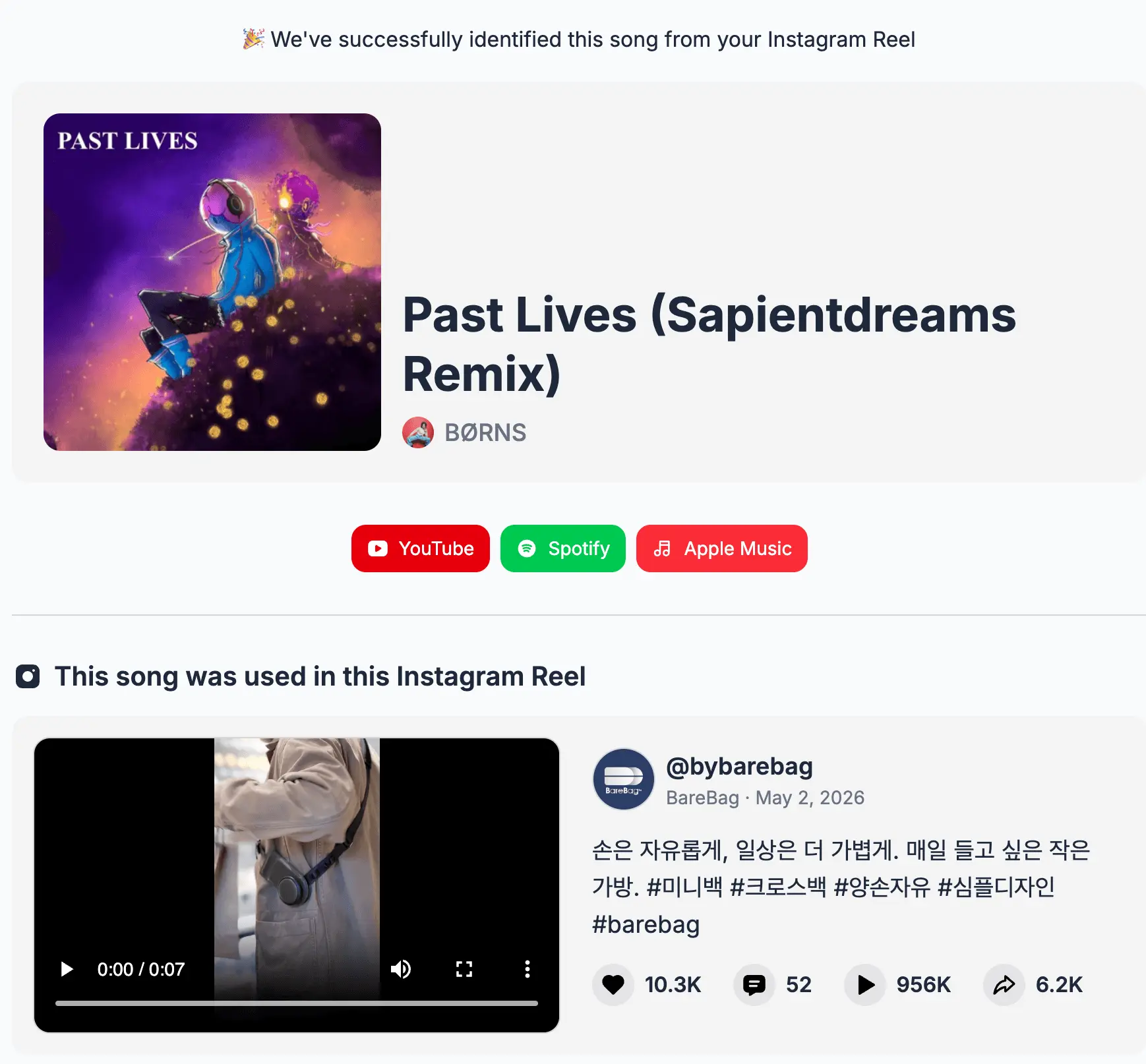
Identify Songs from Short Instagram Clips and Ads
Sometimes you may want to find a song from an Instagram Reel that only uses a few seconds of music. Short clips can make it harder to identify the track, especially when the audio is edited or mixed with other sounds.
Instagram ads can also use songs that are difficult to find. Many clips change the pitch, speed, or tempo, so the song may sound familiar but the exact version is hard to identify.
MelodySeek helps you find the song from these short clips. It provides details like the song title and artist, along with links to listen on YouTube, Spotify, and Apple Music.
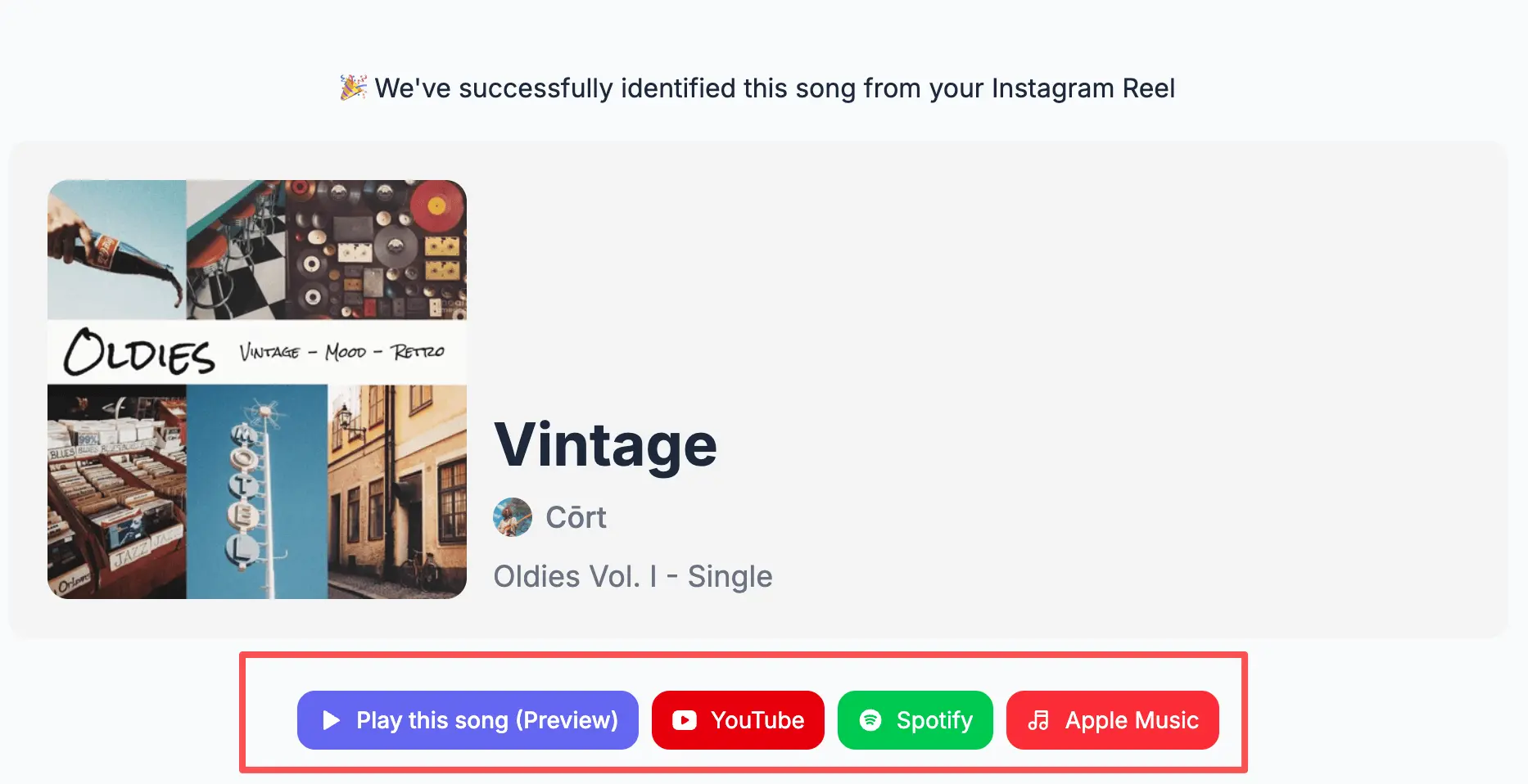
Find Music You Can Use in Your Own Reel
If you create Instagram videos, you may want to use songs from Reels that are already getting attention. Finding the right song can help you create videos that match current trends.
MelodySeek helps you identify songs from other Reels. Once the song is found, you can listen to a preview and get a link to the full track so you can use it for your own edits.
It also works with older Reels, as long as the video is publicly accessible.
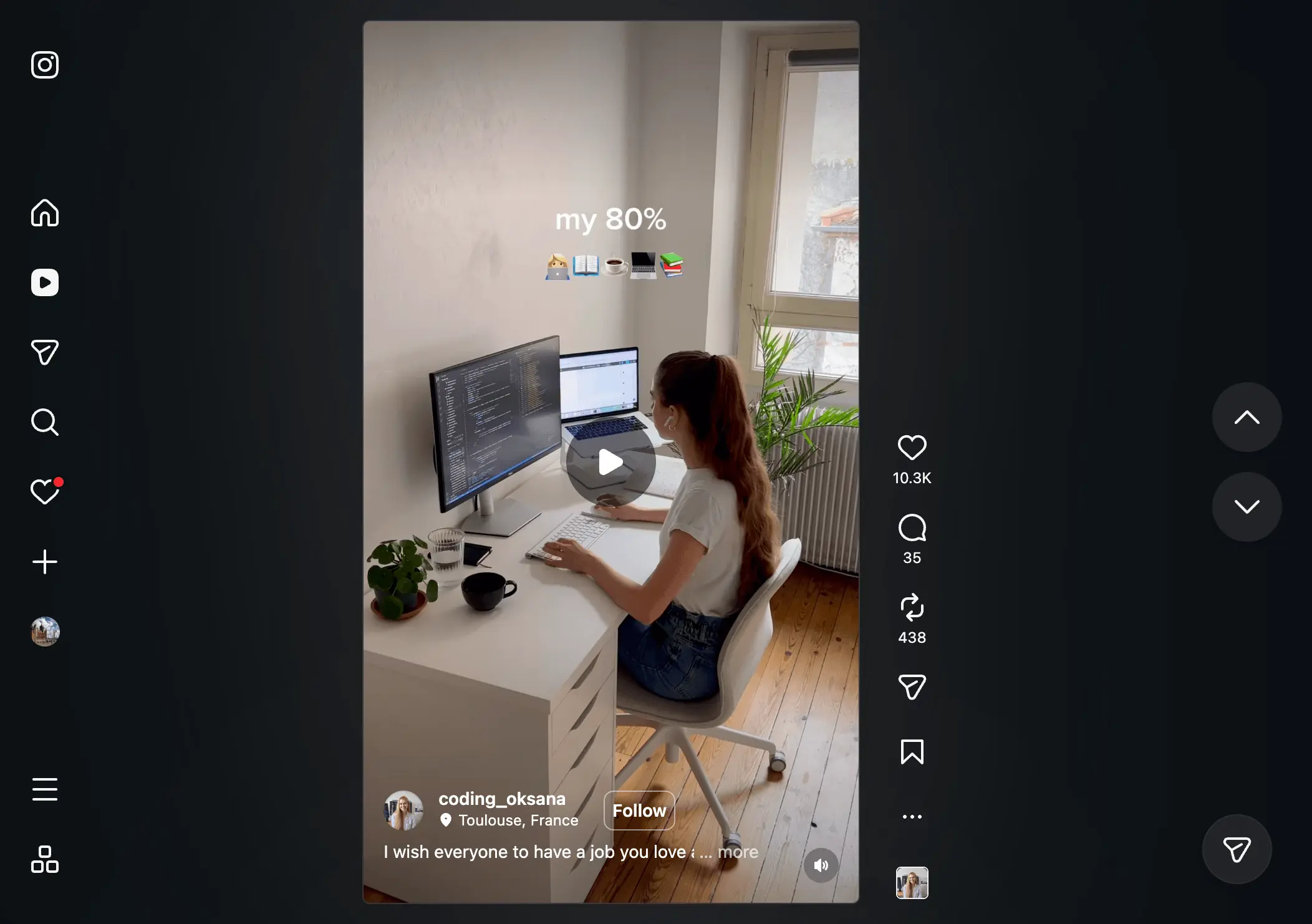
No Downloads Required
You do not need to download an Instagram video to find the song. Simply paste the link from an Instagram Reel and let it identify the music.
There is no need to install another app like Shazam. You can use it directly in your browser on both mobile and desktop.
Many song identification tools are designed mainly for phones. It works the same way on laptops, phones, and different operating systems.
The process usually takes only a few seconds, so you can find the song and return to Instagram quickly.
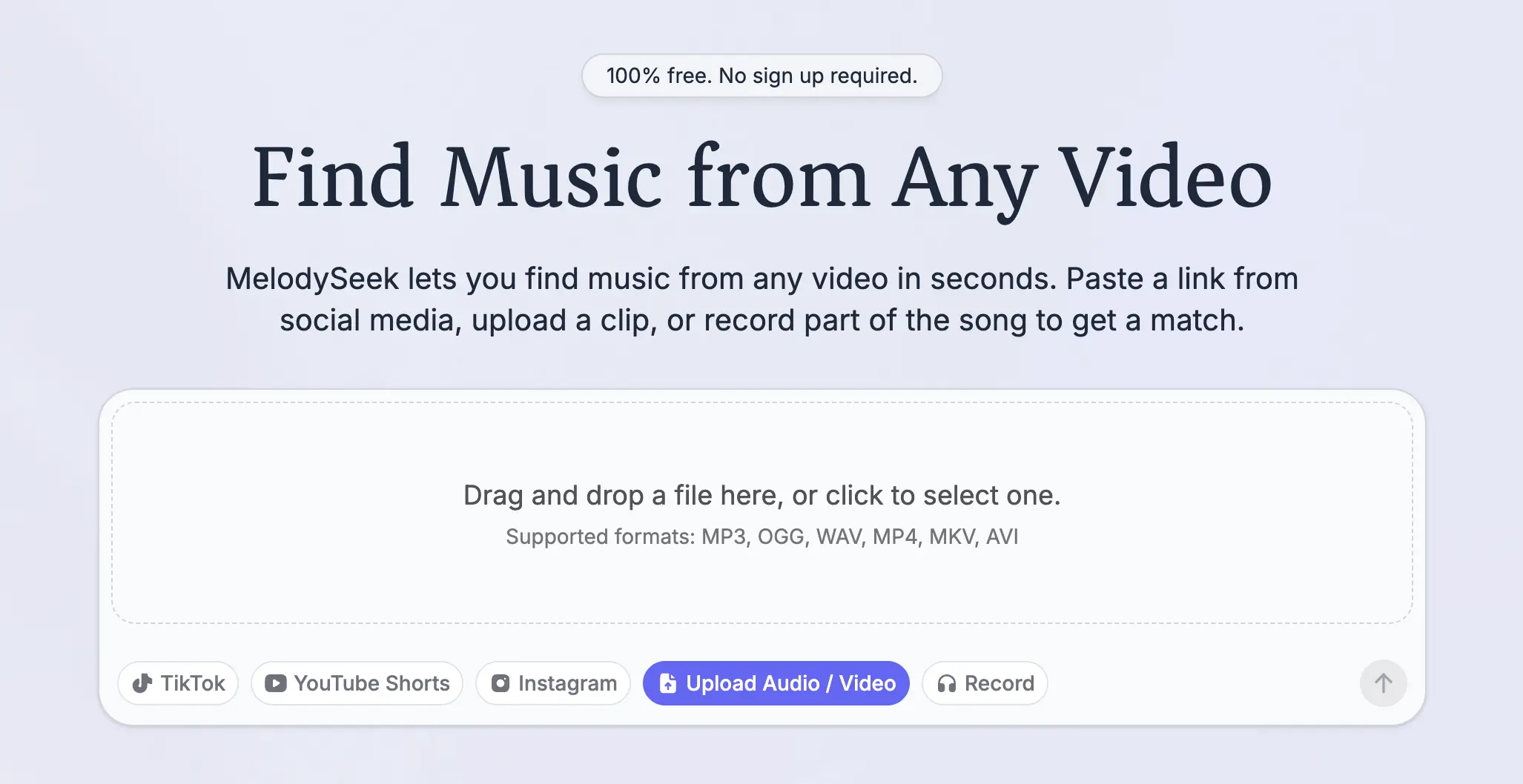
Get Song Details from Uploaded Clips
If you don’t have a video link, you can upload a saved video from your device and identify the song directly.
Just choose the video file, and MelodySeek will analyze the audio to find the track. Here’s how it works:
- Open the “Upload Audio/Video” tab
- Choose a video from your device
- Wait for the upload to finish
- View the song title, artist, and other details once the song is identified
MelodySeek supports both links and file uploads, and it can listen to live audio too.
Got an Instagram Video?
Upload your video or paste a link to see the song details.