
MelodySeek lets you find music from any video in seconds. Paste a link from social media, upload a clip, or record part of the song to get a match.
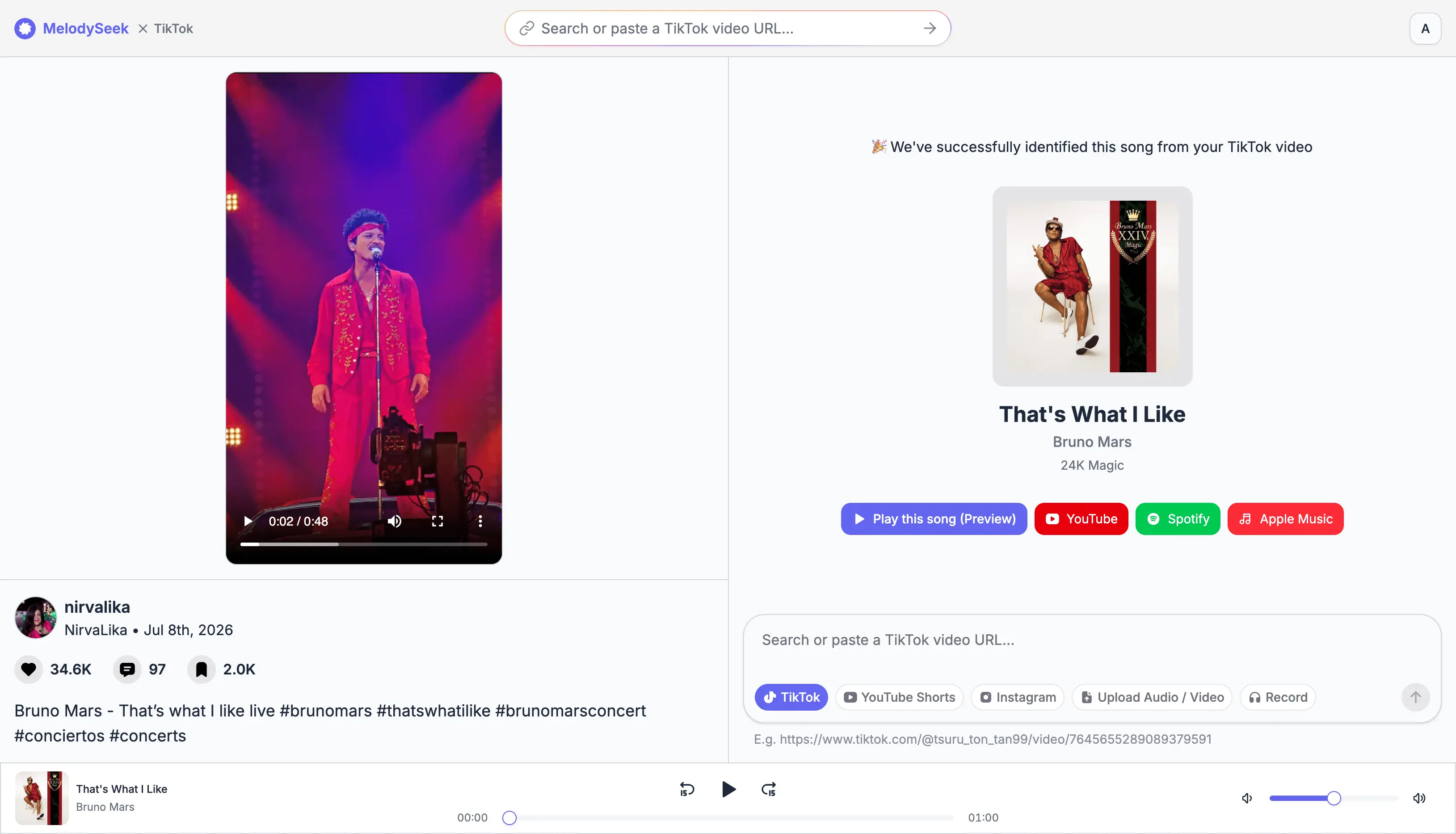
Music Recognition for Any Video
MelodySeek provides fast and accurate song recognition service for any video. You do not need to set anything up. All you do is paste a link and wait a few seconds.
Works with any social video link
MelodySeek allows you to find songs from TikTok videos, Instagram reels, YouTube shorts, Reddit, Facebook reels and more.
Upload your own recordings
You can also upload your own audio or video files and upload them from your phone or your desktop.
Record a song
If you do not have a link or a recording, you can record the song instead. MelodySeek AI will try to identify the song from your recording.
Accurate and fast
Recognition usually takes less than 10 seconds. It works well even on short clips or low quality recordings.
Get streaming links after song is found
Once a song is identified, you can open it on YouTube, Spotify, or Apple Music. That way you can listen to the full version without searching again.
No ads before recognition
You do not need to watch ads or click through extra pages before getting a result. You just wait a few seconds and see the track name.
Find Songs from Social Media Clips
Identify songs from TikTok videos, Instagram Reels, YouTube Shorts, and more. You do not need to download the audio or open Shazam first.
Simply paste a social media link to start. You can also upload a recording or record part of the song to get a match.
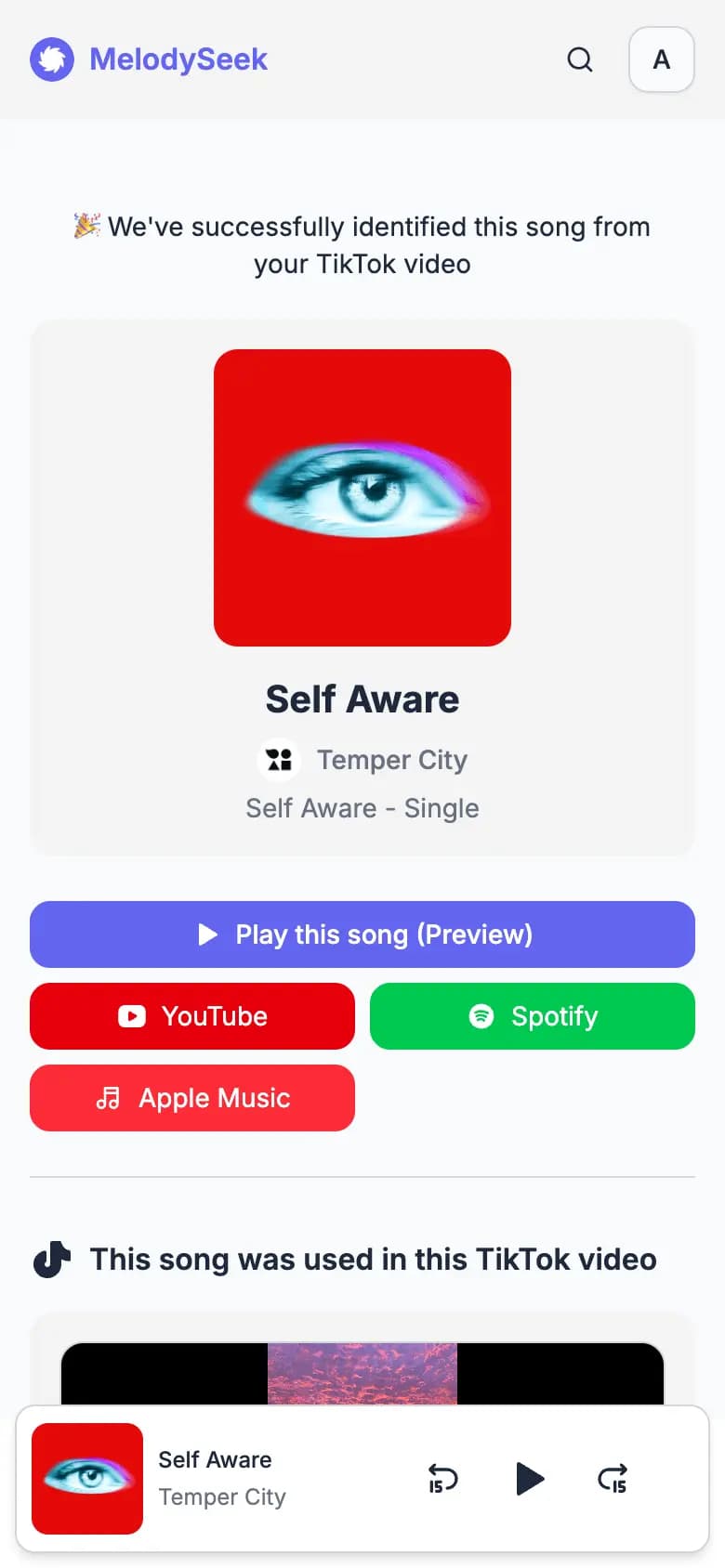
How It Works
Getting started takes less than a minute. Simply follow these steps to find your song.
Paste a link from social media
Copy a link from TikTok, Instagram, YouTube, or any other supported platform, then paste it into the input box.
Identify the music
Once your link is in, click "Identify." MelodySeek will analyze the video and return the song name in a few seconds.
Listen on YouTube, Spotify or Apple Music
Once the song is identified, you can open it directly on YouTube, Spotify, or Apple Music. You can also download the audio if you want to use it in your next video.
Find music from videos for different needs
Music in videos is often hard to trace. It may be in the background, mixed with speech, or shown without a clear song name. MelodySeek gives you a simple way to start from the video and get to the track.
Heard a song you can't name?
You hear a song in a video and want to know its name. MelodySeek helps you find the song name, then listen to the full track on YouTube or Spotify.

One-time credit packs
Pay once. Identify when you need it.
Pick the amount that fits your needs. No monthly or annual commitment.
Credit pack
About 50 song recognitions
$0.060 per credit
Credit pack
About 200 song recognitions
$0.025 per credit
Credit pack
Most popularAbout 500 song recognitions
$0.020 per credit
Credit pack
About 1,000 song recognitions
$0.015 per credit
Credit pack
Best valueAbout 2,000 song recognitions
$0.010 per credit
Prices are in USD. Credits are added to your account after payment.
Frequently Asked Questions
Find Quick answers to common questions about using MelodySeek to identify songs.
How can I recognize a song?
Paste a link from TikTok, Instagram, YouTube Shorts, or other supported platforms. You can also upload a video or audio file from your device, or just record the song directly. MelodySeek will return the song name in seconds.
Do I need to install an app?
No. MelodySeek works in your browser. No downloads or installations needed.
Which platforms are supported?
Currently, we support TikTok, Instagram Reels, YouTube Shorts, and Facebook Reels. If your platform isn't on the list, feel free to reach out via our support email and let us know.
How long does recognition take?
Most songs are identified in under 10 seconds. Larger or more complex files may take a bit longer.
How accurate is it?
MelodySeek uses AI-based audio recognition to match songs. If you get a wrong result, you can submit a support ticket and we'll take a look.
Can I trim a video before identifying?
Yes. If a video has a lot of background noise or mixed audio, you can use the built-in trim tool to select just the part you want identified. This feature is available on paid plans.
How does record to recognize work?
Open the record feature and allow microphone access when prompted. Then record the song. It works on phones, tablets, and desktop computers.
Can I view my recognition history?
Yes. Every identified song is saved to your account automatically. You can find them all on the History page. Your history is private and only visible to you. If you want to remove a song from your history, just delete it from there.
Can I share my song result?
Yes. Once a song is identified, you'll see a link below the song name. Click it to copy the link and share it with anyone.
How do credits work?
Each recognition uses one credit. Some additional features may require more than one credit per use.
Find Any Song, Right Now.
Paste a link or upload a file and get the song name in seconds.