Identify Background Music in Video Clips
MelodySeek helps you identify background music in video clips, even when the track is hard to hear. It can still find songs under movie dialogue, voiceovers, or noisy environment.
Paste a link from TikTok, YouTube Shorts, Instagram Reels, or another social platform. You can also upload a video or audio file directly from your phone or computer.
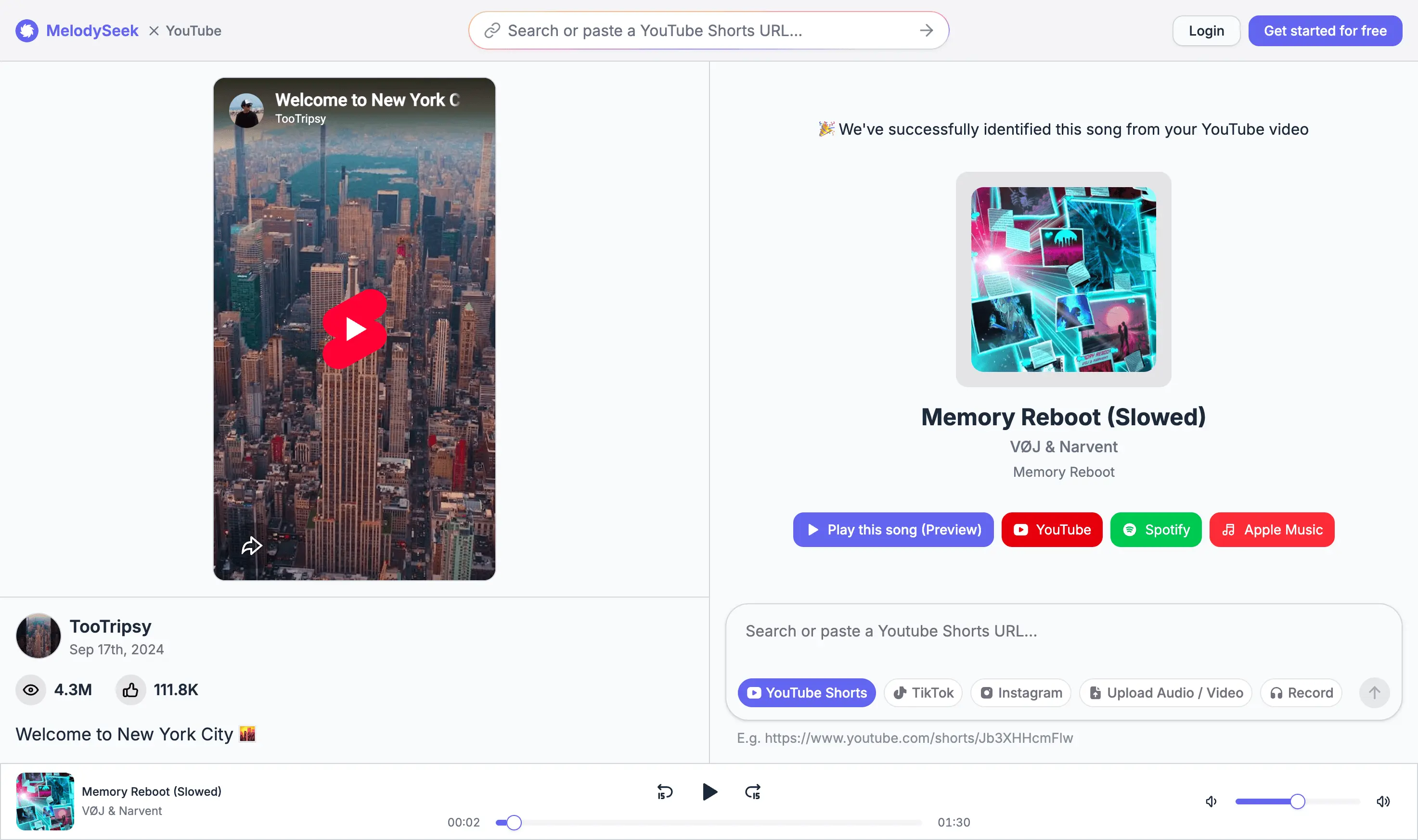
Identify covers, remixes, and short live clips
MelodySeek can identify covers and instrumental tracks where the vocals or arrangement differ from the original release.
It also checks sped-up edits and remixes used in social videos, then shows the closest version it can find with the remix name and artist details.
A live performance recording can be enough too. Upload the clip, including one with only a few seconds of music, to find the matching song.
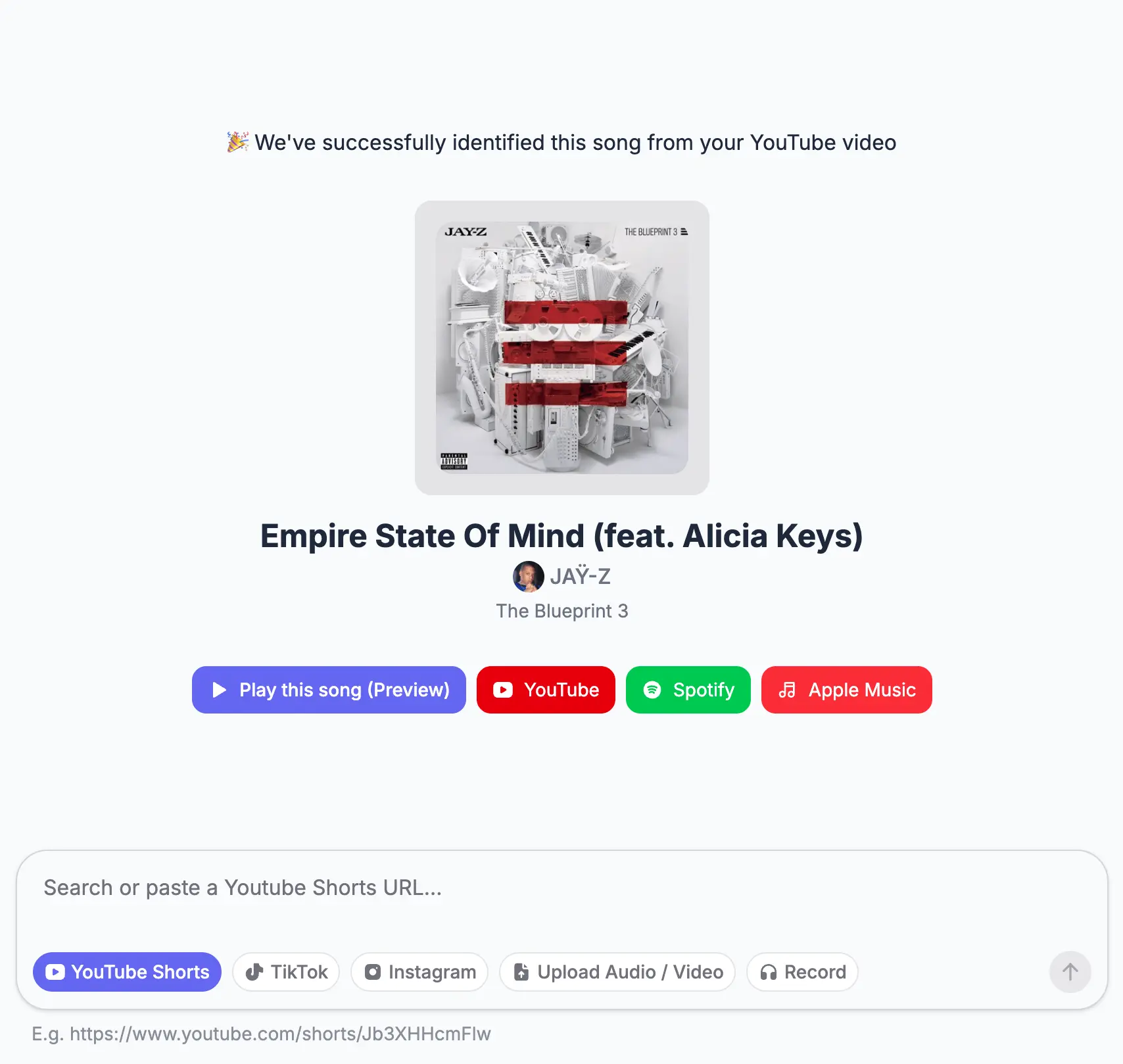
Use the Video or Recording You Already Have
Paste a social media link and it will check the background music in the video directly.
You can also upload a video / audio file, or screen recording from your phone or computer. There is no need to extract the audio or play it aloud for another device.
When you do not have a link or file, record part of the song with your microphone to find the background music.
It works with the following social media platforms:
- TikTok
- YouTube
- and other supported platforms
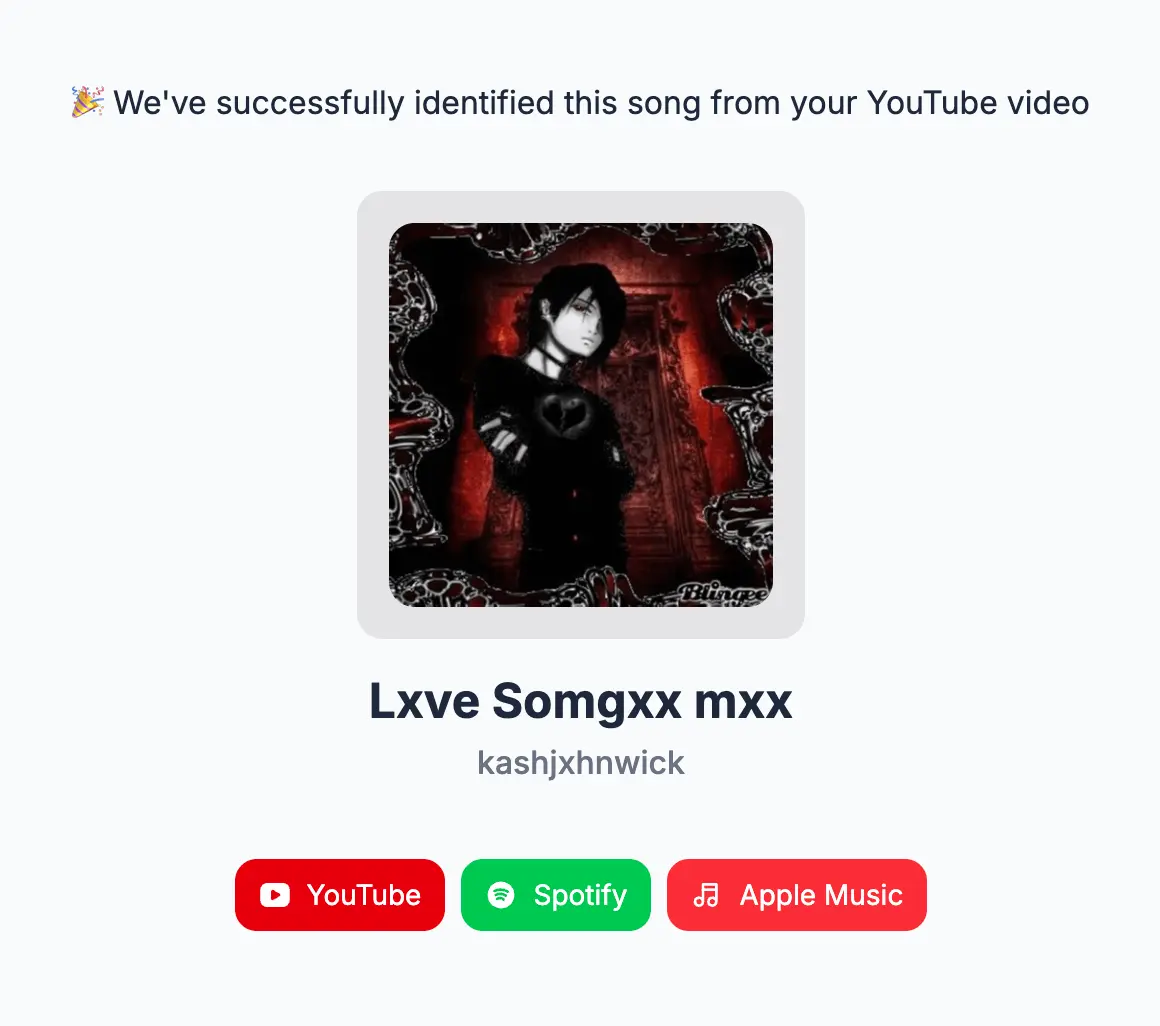
Find New and Hard-to-Find Music
The music library stays up to date, so it can identify newly released tracks and lesser-known songs from independent artists.
It also includes regional music, older releases, stock background music, and royalty-free tracks. This gives you a better chance of finding songs that may be missing from smaller databases.
Some AI-generated or highly obscure tracks may not appear in any public music catalog. Send the clip to us and the team can review it and add the track when possible.
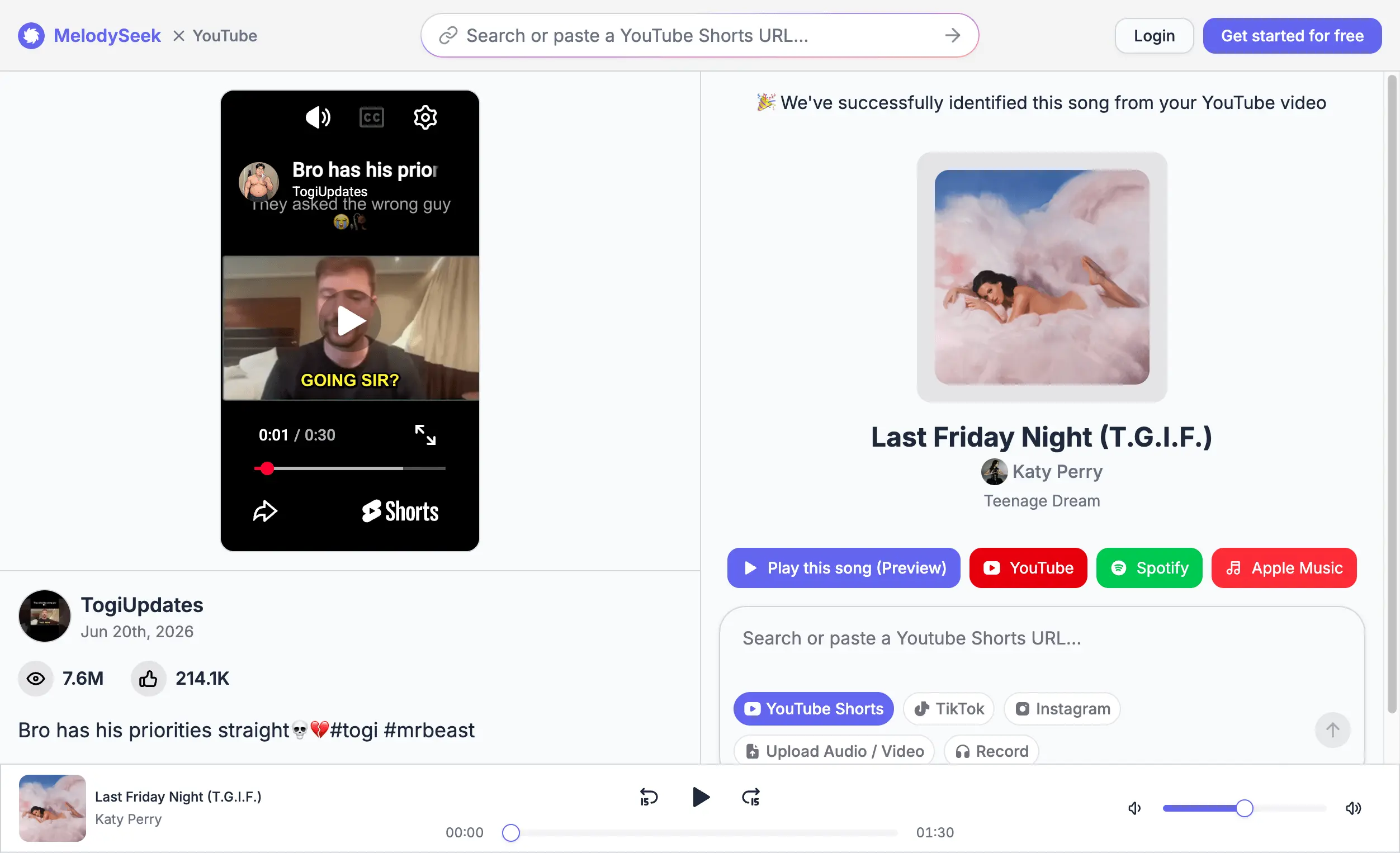
Confirm the Match and Copy the Song Details
MelodySeek returns the closest matching track with links to YouTube, Spotify, and Apple Music. Once the song is identified, listen to the preview to confirm that it matches the background music in your video.
You can also copy the song information with one click, including the track name, artist, and album.
Song recognition reaches 90% accuracy. For an incorrect result, contact [email protected] and our team will help review the match.
Keep Your Uploads and Search History Private
All uploaded audio, video, and recognition history are encrypted to prevent others from accessing them.
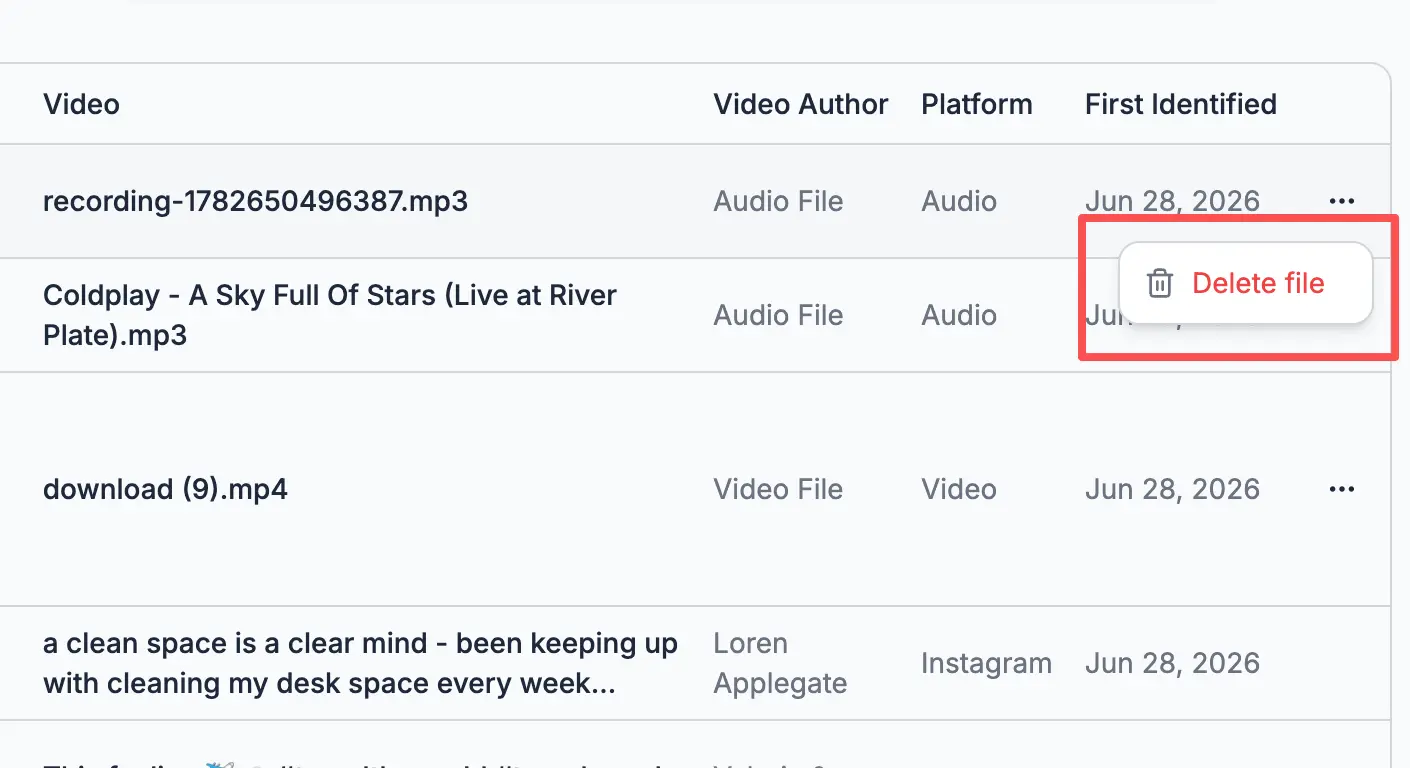
You can delete a result as soon as the song is identified. The related media file and history will then be permanently removed from the system.
Uploaded media is never used to train models, and your personal information is not used for any other purpose.
Find the Background Music in Your Video
Upload a clip now and get the background music in seconds.